Driven hunt for guests
As a hunting guest you need no Waidblick account. The hunt leader sends you a link – by email, messenger or text message – and you do everything through it on your smartphone.
Registering
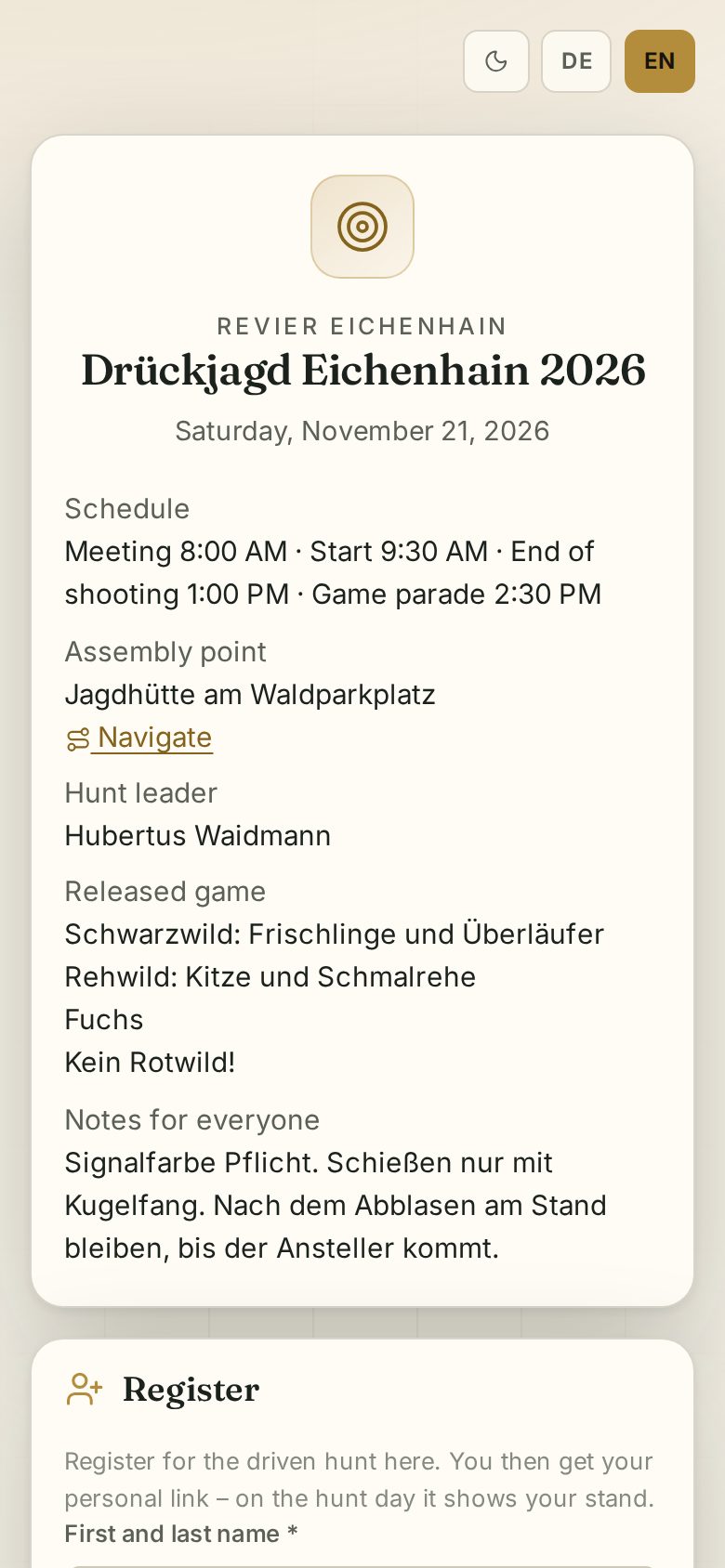
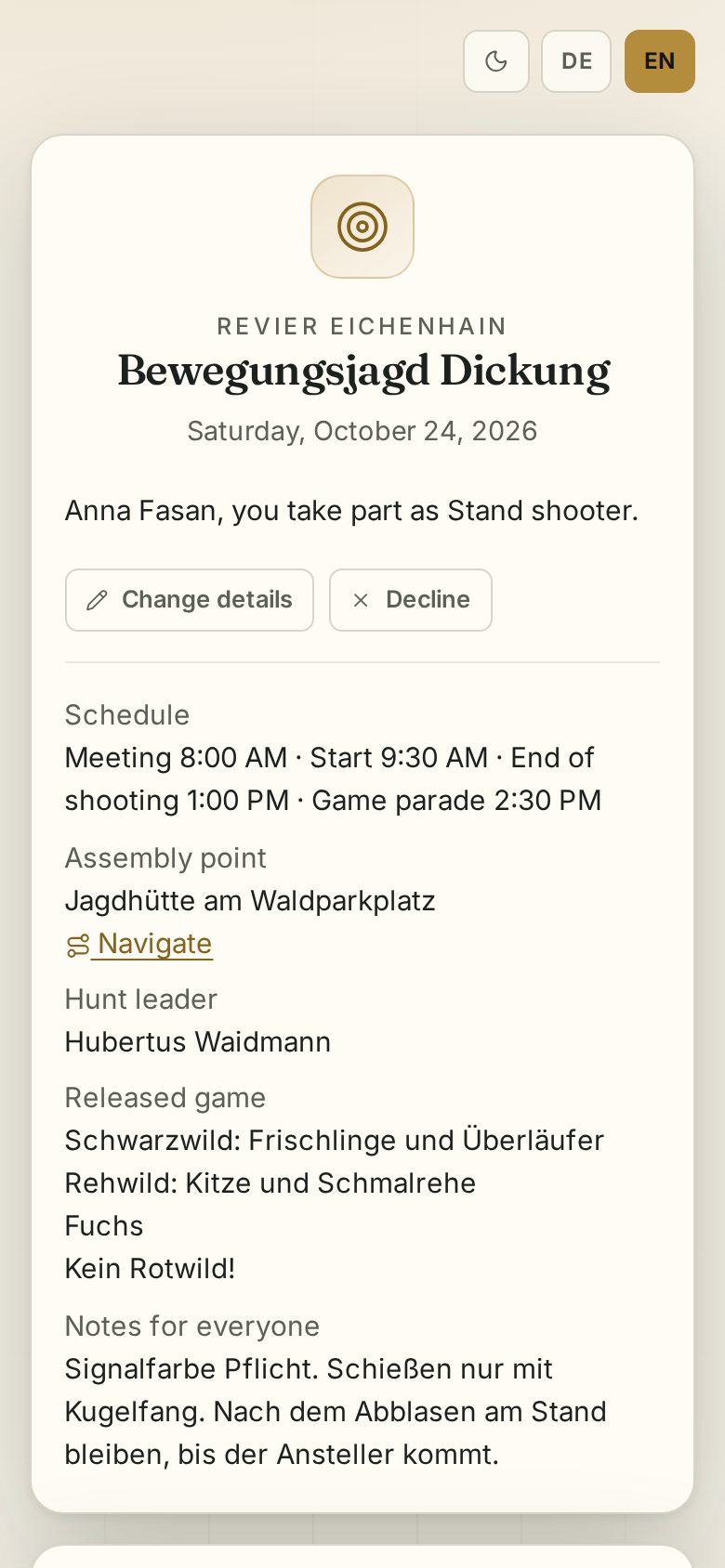
The registration link shows the details of the hunt: schedule, assembly point, hunt leader, released game and notes. Below it you register:
- First and last name, email, phone and your role (stand shooter, walking shooter, beater, dog handler).
- Shooters also enter the hunting license number and valid until, and whether they have a current shooting certificate. The license must be valid on the hunt day.
- Dog (breed, name) and special requests.
- Attend or Cancel.
After attending, your personal page opens. Bookmark it or add it to your home screen – you also receive the link by email when the hunt leader notifies the participants.
Your personal page
It shows your role, the schedule and all notes. Change details corrects your data; Cancel or Attend after all changes your participation.
My stand
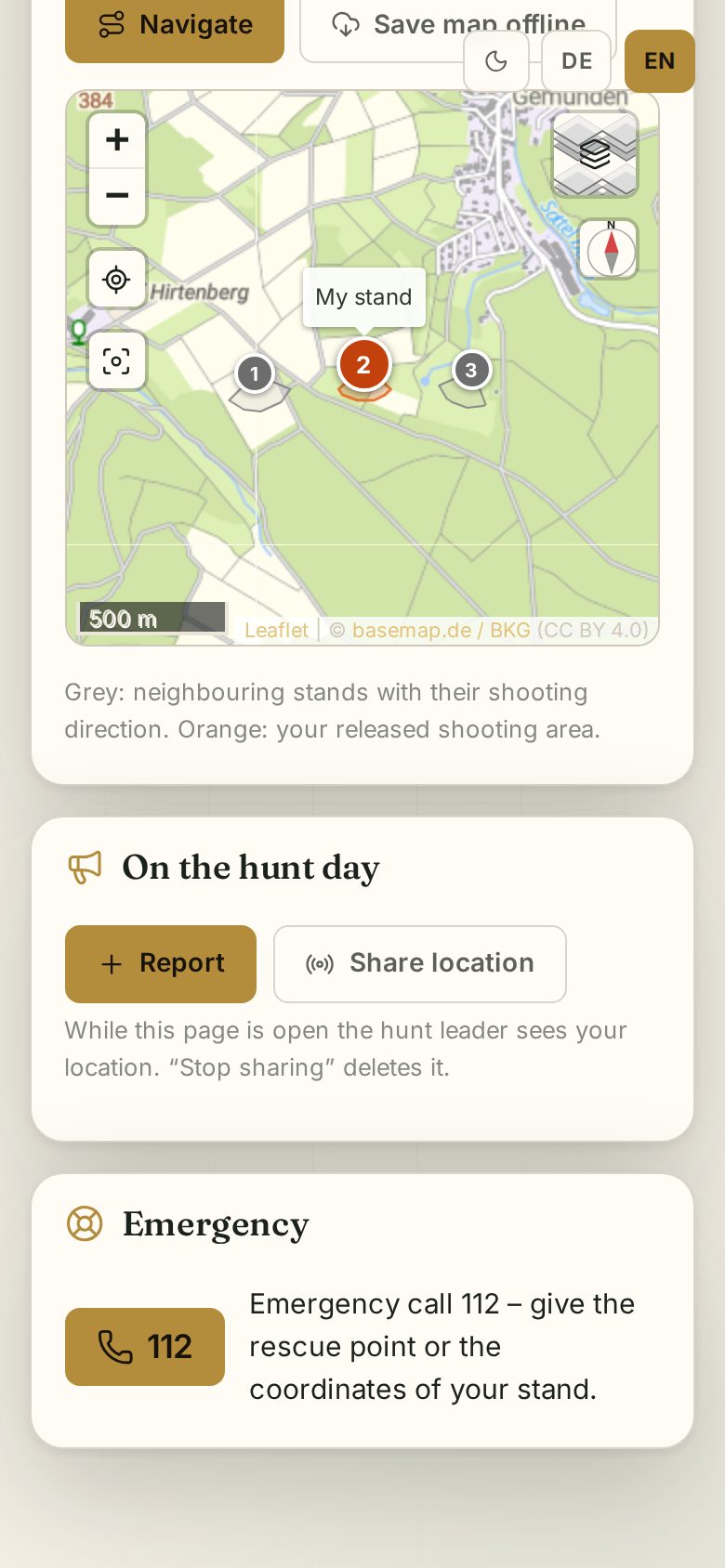
As soon as the hunt leader releases the stands – on the hunt day at the latest – you see your stand: number, shooting sector, guide and notes, plus a map with your stand and the neighbouring stands. Grey are the neighbours with their sectors, orange is your released shooting sector. Beaters see their drive instead.
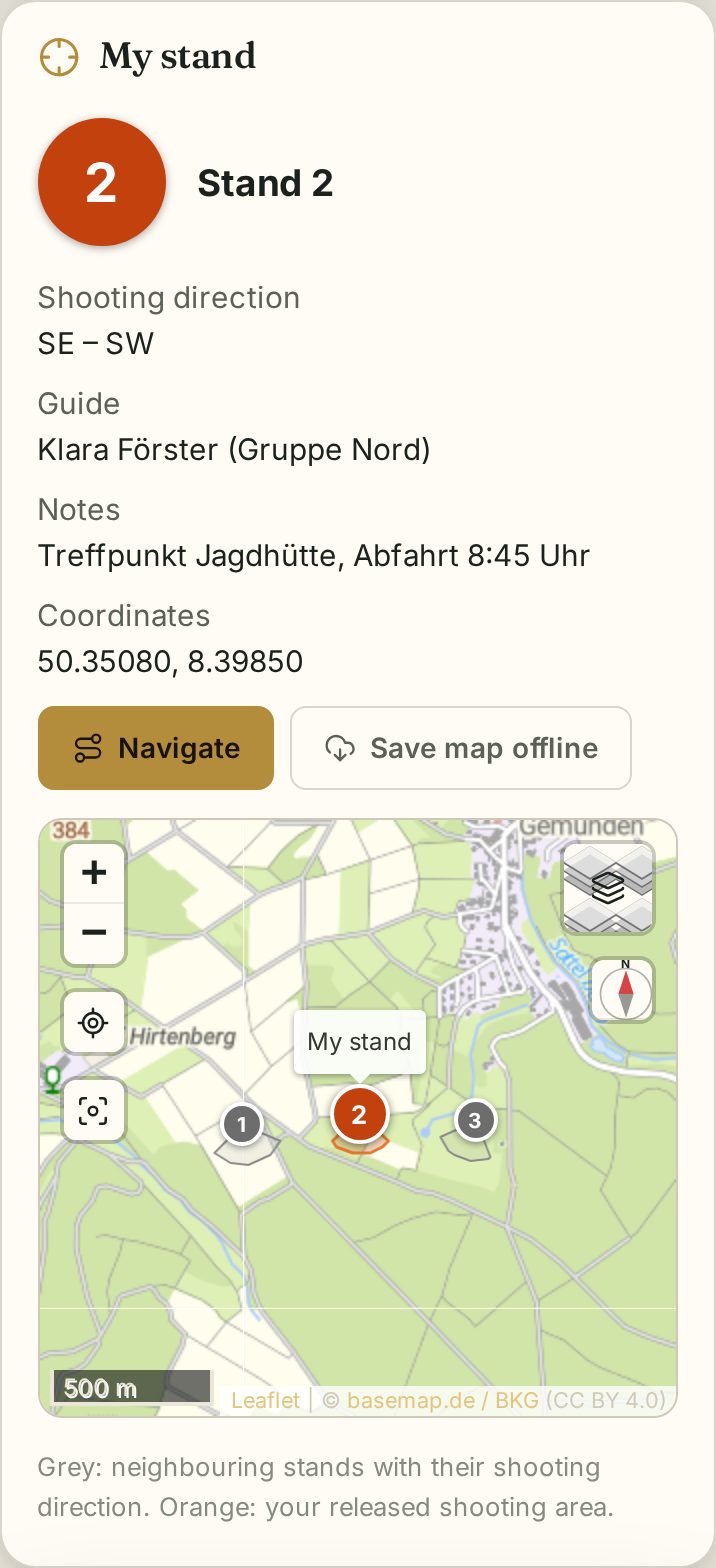
- Navigate opens the route to the stand.
- Save map offline stores the map on your phone – do this before the hunt in case there is no signal in the ground.
On the hunt day
On the hunt day the On the hunt day section appears:
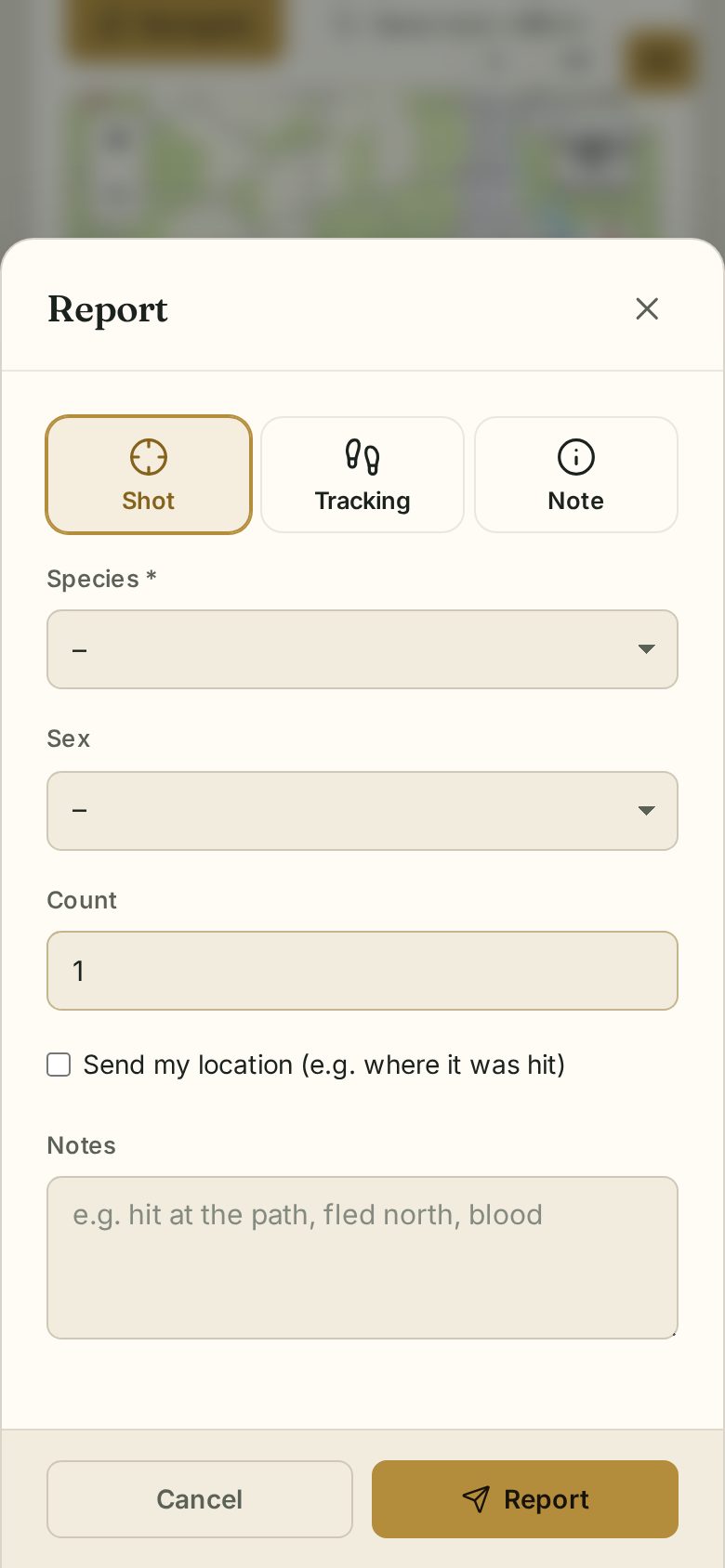
- Report – Shot, Tracking or Note, optionally with your location (e.g. the spot of a hit).
- Share location – the hunt leader sees you on their map while this page is open. Stop sharing deletes your position.
- Emergency – a button to call 112 and the nearest rescue point with the coordinates of your stand.