Smartphone app
Install Waidblick as an app
Waidblick is a web app – no app store needed. Add Waidblick to your home screen and it starts like a regular app: no address bar, full screen and with its own icon. This is also required for reliable use without a signal.
iPhone and iPad (Safari)
- Open Waidblick in Safari.
- Tap the Share symbol at the bottom (square with an arrow pointing up).
- Choose Add to Home Screen and confirm with Add.
Android (Chrome)
- Open Waidblick in Chrome.
- Tap the menu at the top right (three dots).
- Choose Install app or Add to Home screen.
Sign in
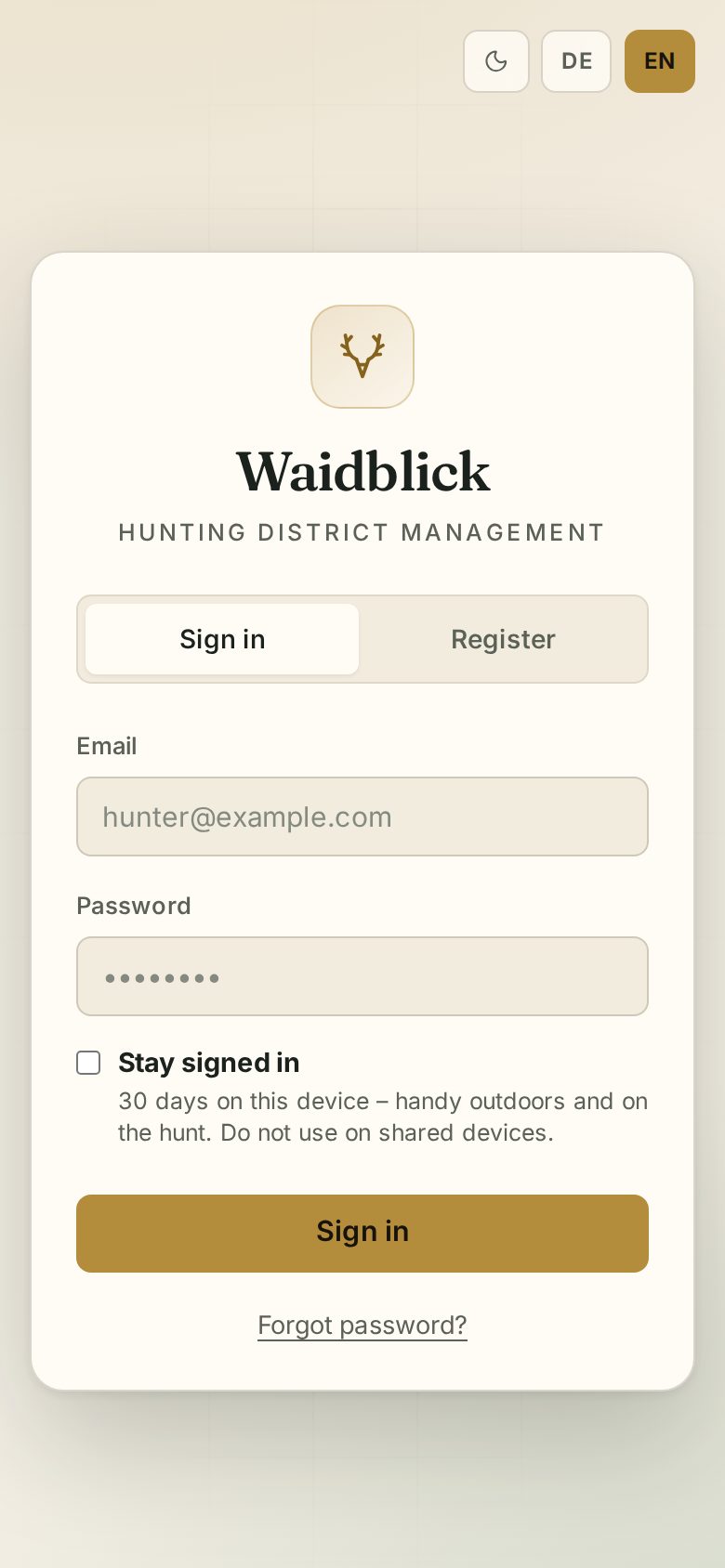
Sign in within the app and tick Stay signed in – you then stay signed in for 30 days and do not need to look for your password in the field.