
For hunt guests
Submission links for harvest and hares
Leaseholders and co-leaseholders can generate two submission links for their ground. Hunting guests or helpers without an account use them to submit:
- Record harvest – game taken (in the harvest log under Submission link).
- Record hare census – a hare count (in Hare census under Submission link).
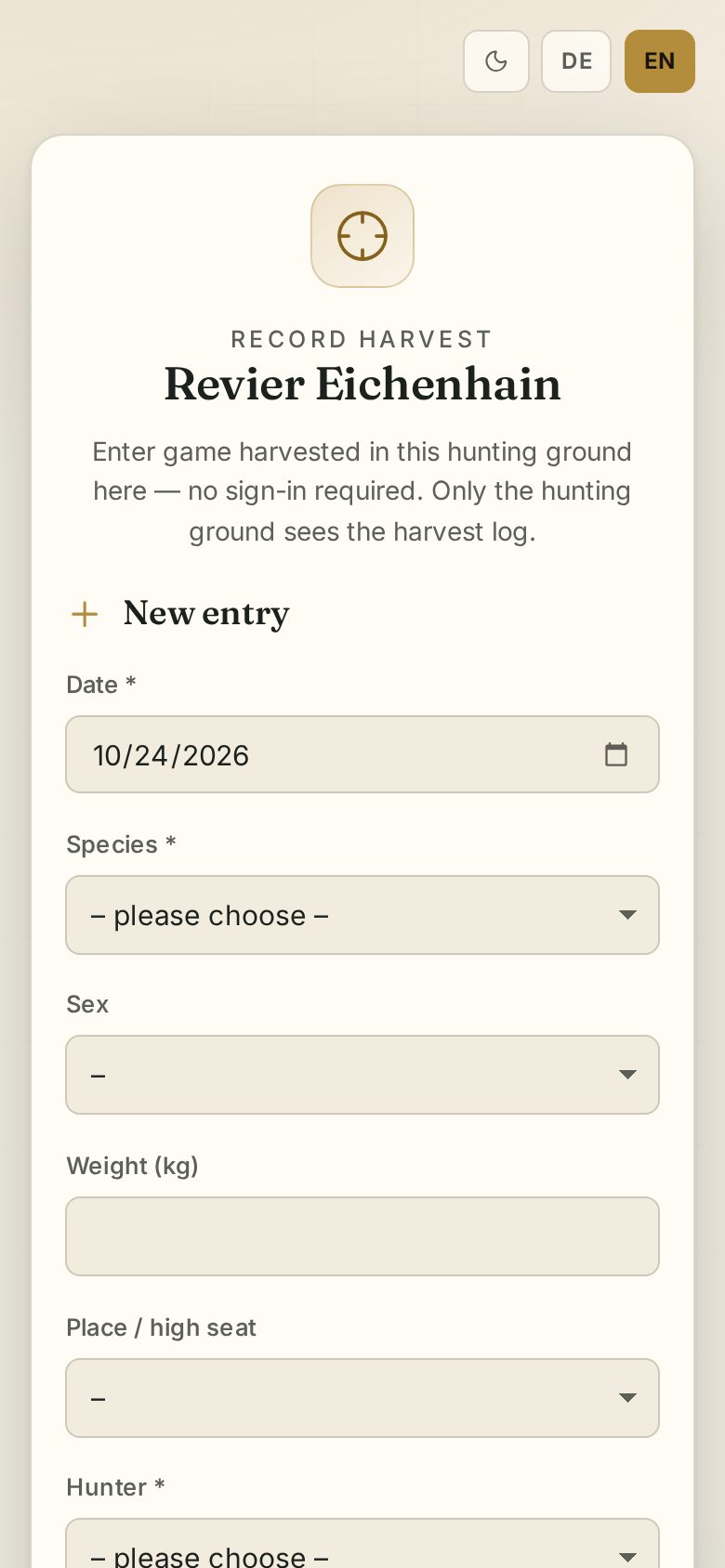
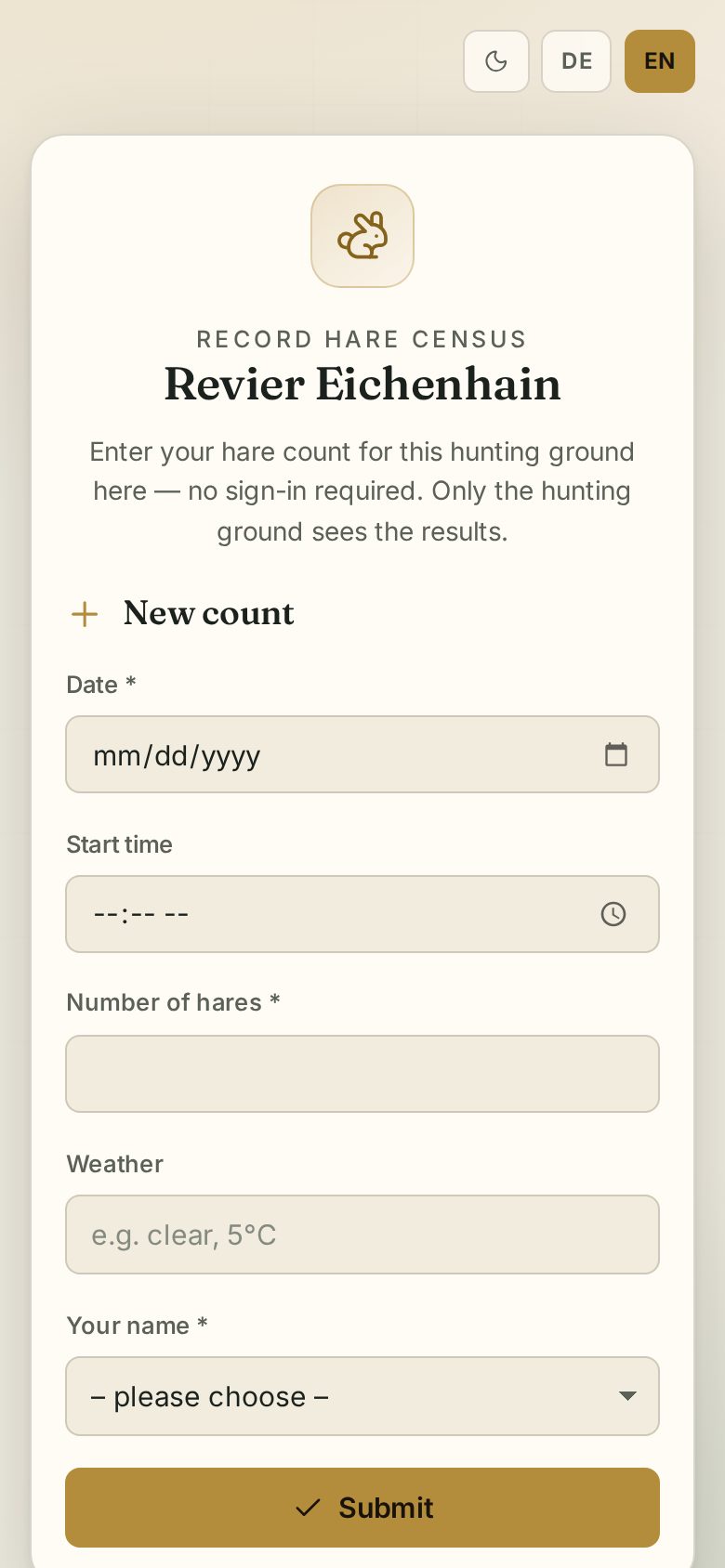
For guests: how to submit
Open the link, fill in the form and tap Submit:
- Harvest: date, species, sex, weight, place / high seat (from the list or “Other place …”), hunter (from the list or “Guest …” with your name) and notes.
- Hare census: date, start, number of hares, weather and your name.
You do not see the ground's list – only that your entry has arrived.
For leaseholders: managing the link
In the Public submission link dialog:
- Generate link – then Copy link or open it.
- Regenerate – creates a new link; the old one stops working immediately.
- Deactivate – switches the link off.
Entries submitted through the link are marked Link or Guest in the list.